Host your own Fish Party
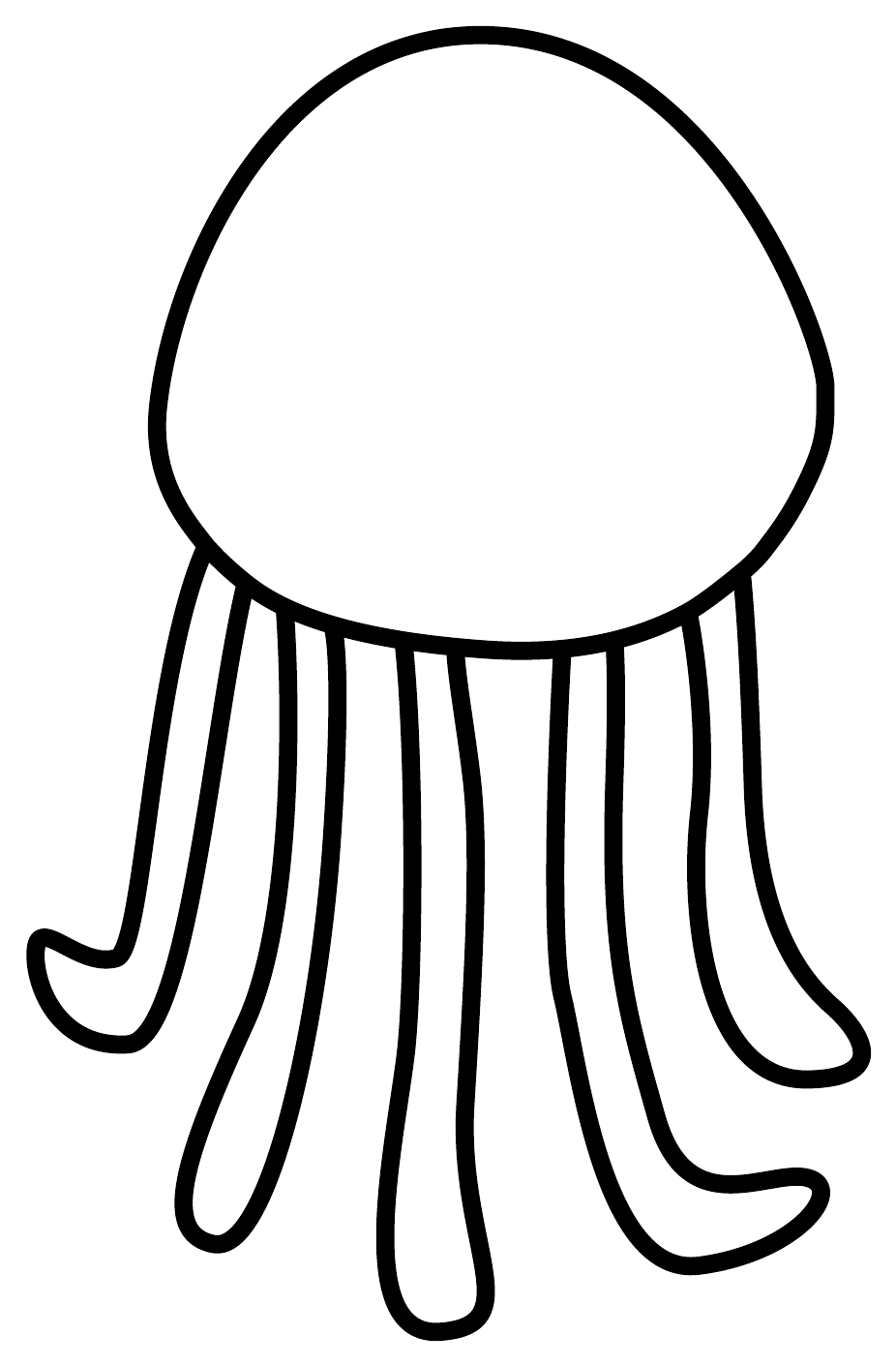
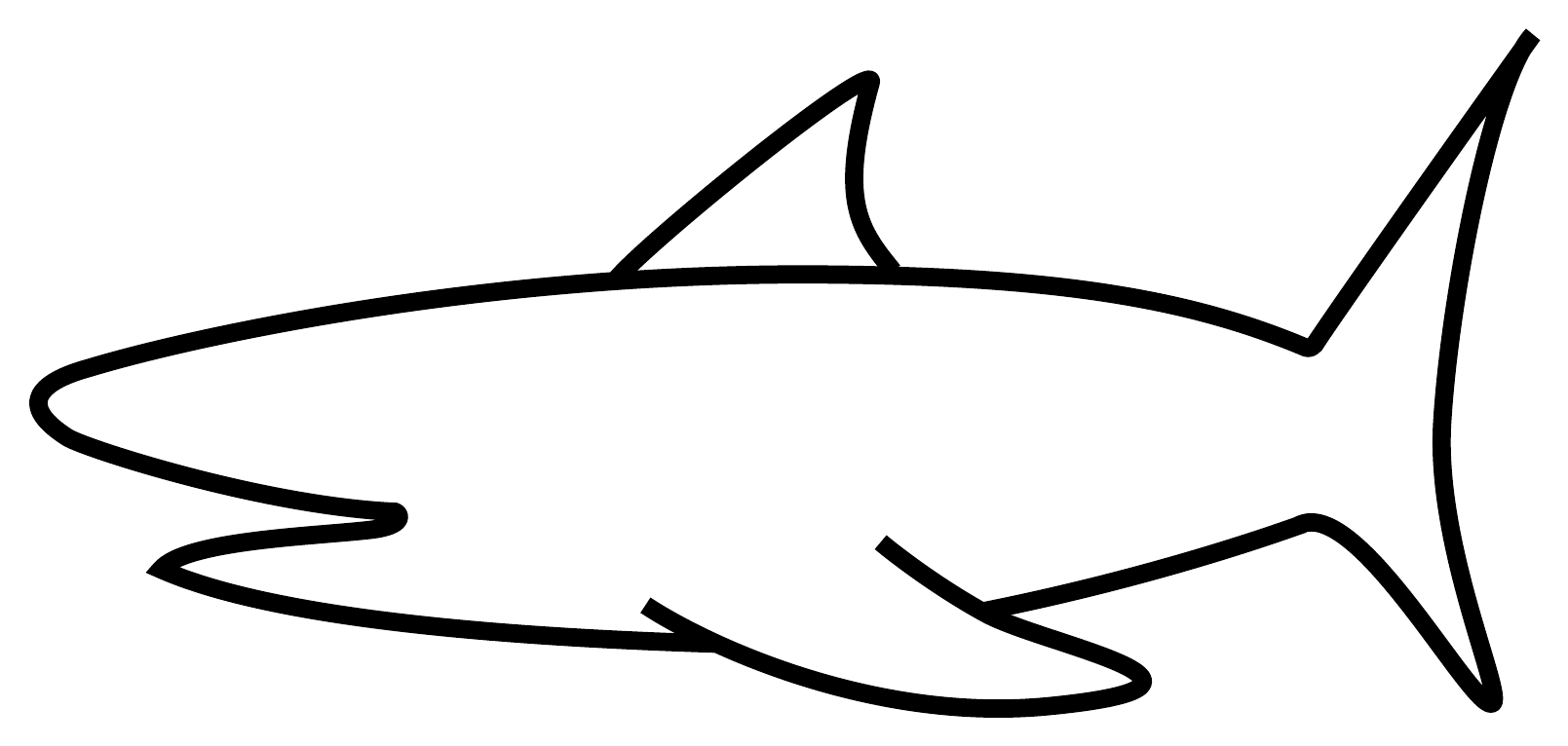
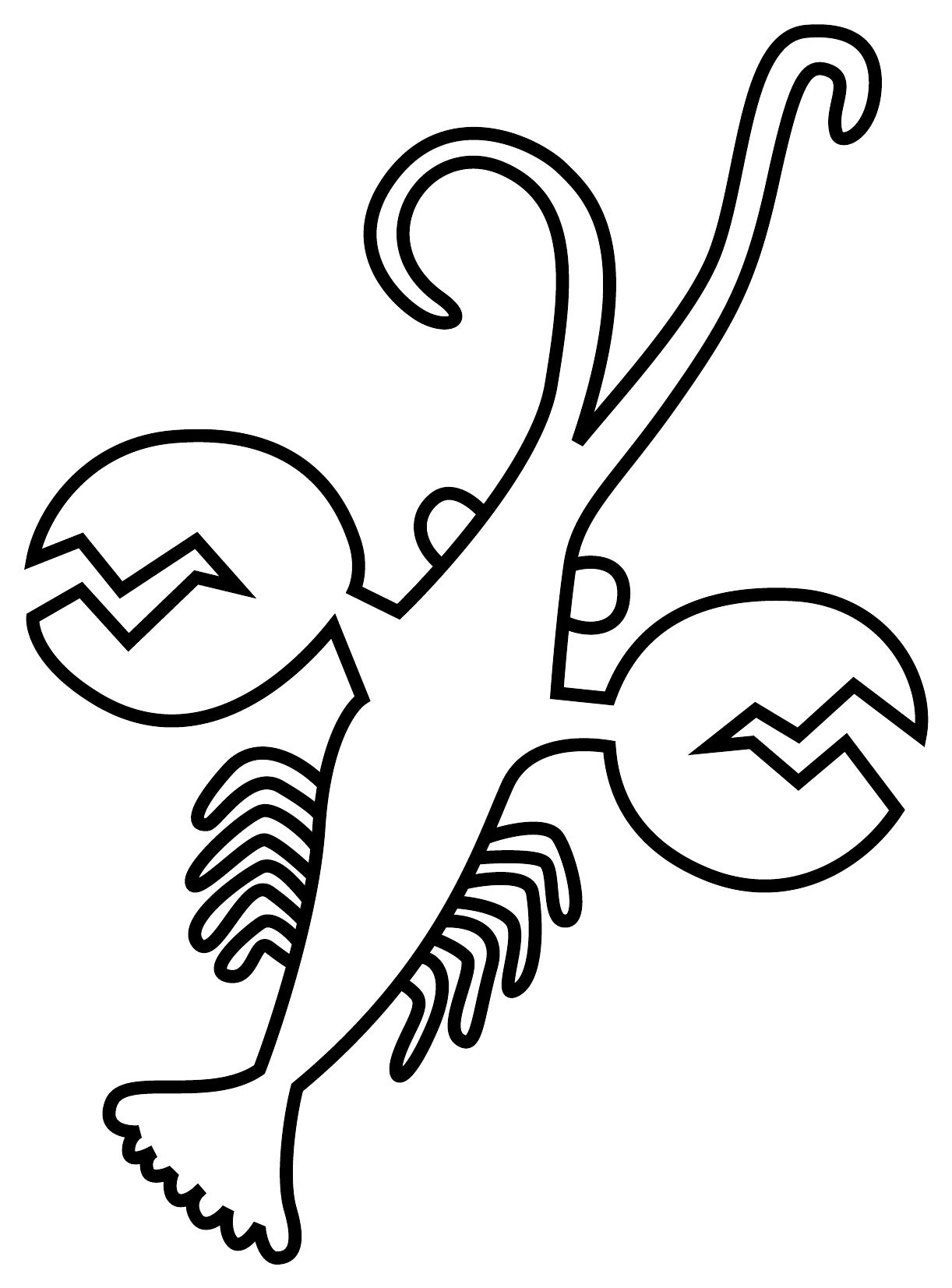
Birthdays, weddings, a classroom, a museum corner. Guests colour sea creatures, and a minute later they swim on your wall. It's free, it runs on one laptop, and nothing needs the internet except the Bitcoin bubbles.
Step by step
Do it the day before: a test run on the real wall saves the evening.
-
Gather the kit
- A computer to run the tank: any laptop, or a Raspberry Pi 5.
- A screen on the wall: a projector (a big pale wall in a dim corner is best) or a TV with a browser.
- Wi-Fi shared by the computer and the guests' phones.
- For paper: a printer, about 2 sheets per guest, pencils or felt pens, a table.
-
Print the templates
A4, “fit to page”. Print the 12 in one go, or only the favourites.
-
Install and start the tank
You need Python 3 and git. In a terminal:
# get it (once)
git clone https://github.com/Rogzy-DB/fish-party
cd fish-party
python3 -m venv .venv && .venv/bin/pip install -r requirements.txt

# start the tank on your network
.venv/bin/python tank/serve.py --host 0.0.0.0 --port 8000
Not comfortable with a terminal? Skip to the next part and let your AI do it.
-
Choose where the Bitcoin bubbles come from
- Public mempool (default, nothing to do): the tank reads mempool.space by itself.
- Your own node: start the tank with
MEMPOOL_API=http://<your-mempool>. - No internet: random bubbles take over by themselves. They look the same.
-
Put the tank on the wall
On the projector or TV browser, open
http://<your-computer>:8000/and go full screen (F11). -
Let the guests in
- Paper: photograph sheets at
http://<your-computer>:8000/upload, outline fully in frame, on a light background. - Painting on a phone (optional):
/draw. Print it as a QR code and stick it on the table.
- Paper: photograph sheets at
-
Steer it from your phone
/settings: fish size, sound, hide a fish (oops, that one was a shopping list)./review: the paper drawings the tank wasn't sure about. One tap picks the creature.- Smart-TV browsers have little memory: past ~100 fish, drive the wall from a laptop.
-
Afterwards, keep the tank
Everything lives in the
data/folder. Keep it: it makes a lovely read-only display for the next family dinner, or you can put it online.









Or let your AI set it up
Copy this into ChatGPT, Claude or any assistant that can use your computer. The repository carries an AGENTS.md file written for it: what the project is, how to install it, how to check it works.
I want to host a Fish Party at my party: https://github.com/Rogzy-DB/fish-party

1. Read its AGENTS.md and explain to me, in plain words, how it works.
2. Check that my computer has what it needs (Python 3, git), and tell me before you install anything.
3. Install it and start the tank on my local network.
4. Give me the two addresses: the one for the wall (projector or TV) and the one for my guests' phones, as a QR code if you can.
5. Tell me how to stop it, and where the fish are saved.